For getting started
Free
$0
No card needed.
A living moodboard that keeps making images in your style.
- New images arrive on their own, every day
- Low quality for automatic images
- Download and share the new images
- One board
A living moodboard.
Add images you love. Muse understands what they share, then makes new images for you. No prompts, ever.
No card needed. Plans from $10 a month.
No promptsNo watermarksThe images you add stay private
Start a board with images from your collection, a photoshoot, or a moodboard. They show Muse the style you want.
Muse creates new scenes in that style, even while you’re away. There are no prompts to write.
Save your favorites to your board and pass on the rest. Download individual images or share the whole board.
New scenes in the same visual world, made between visits.
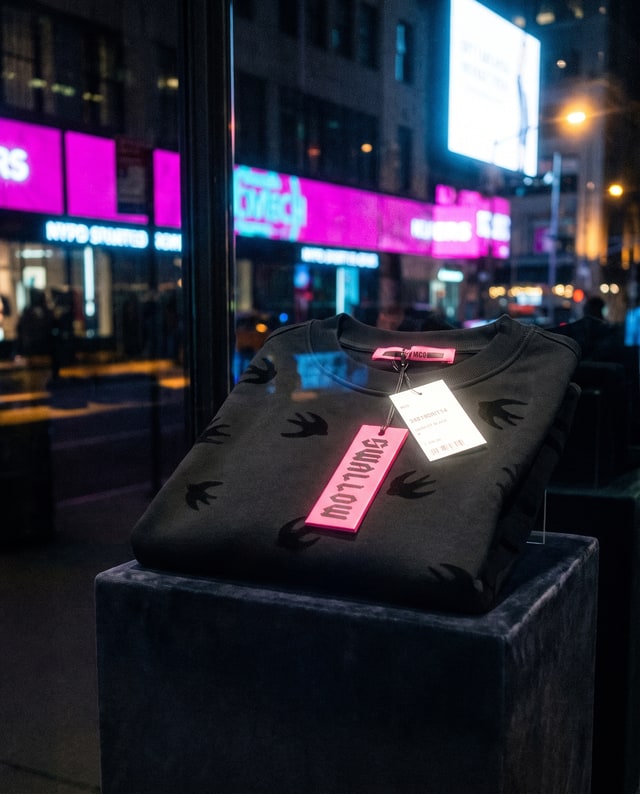
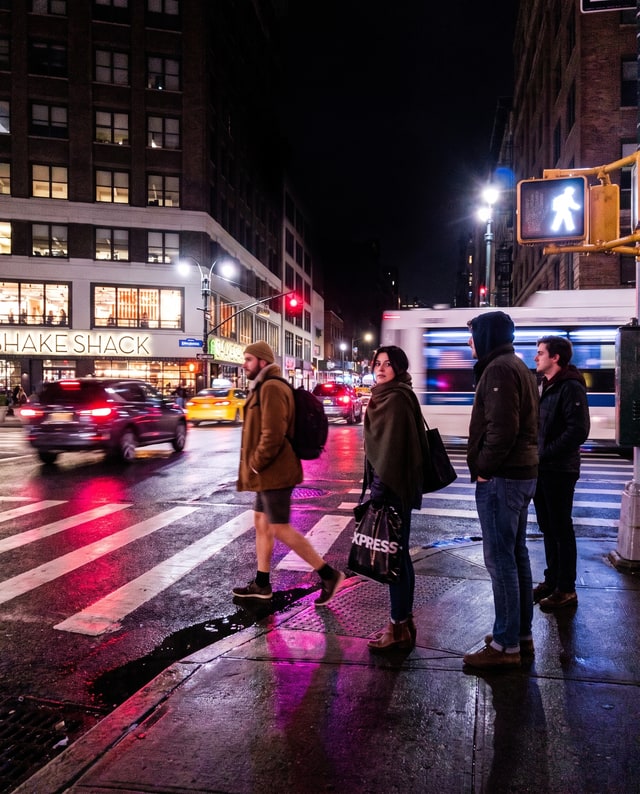
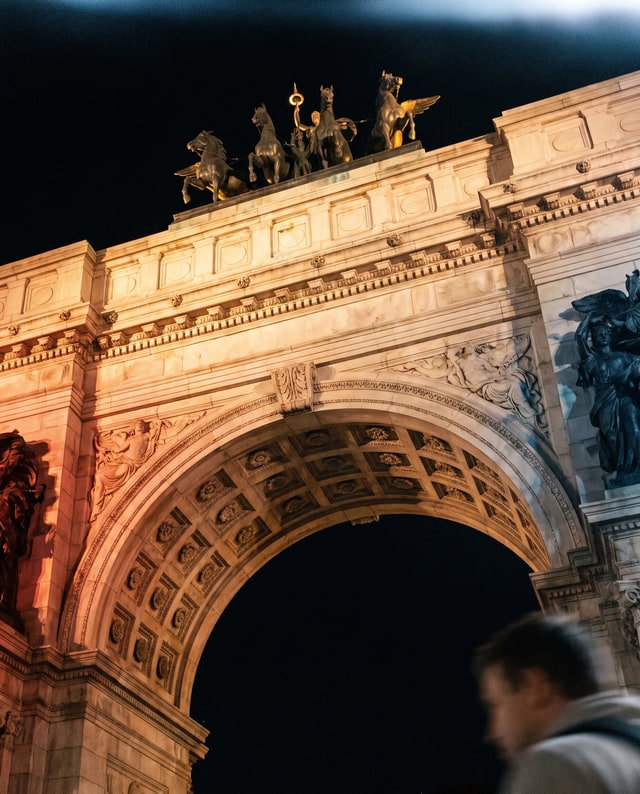
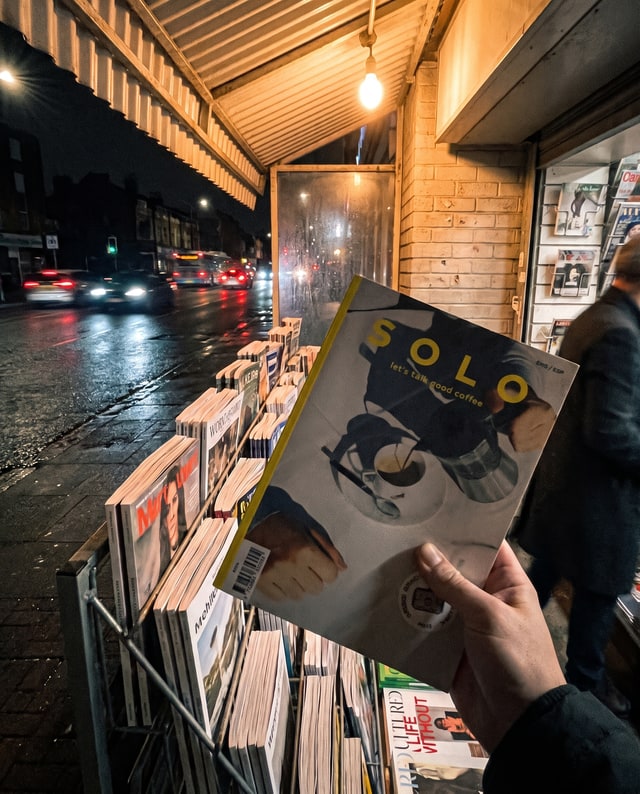

Six kept drops from one live board.
Muse uses the images you add to make new ones. The images you keep don’t become references, so new images stay grounded in the style you chose.
Muse is free to start and keeps making new images on its own. A plan adds on-demand creation and higher quality.
For getting started
$0
No card needed.
A living moodboard that keeps making images in your style.
For creating on demand
$10/ month
7 days free, then $10 a month.
Make new images whenever you want, at higher quality.
For more projects
$29/ month
7 days free, then $29 a month.
Explore more styles on separate boards, create more on demand, and choose sharper results.
A payment method starts your 7-day trial of Personal or Studio. Prices in USD; checkout may show your local currency.
Give each project its own board and references. Muse uses only that board’s references to make new images, so styles stay separate.
Brutalist forms, grey light, quiet scale.


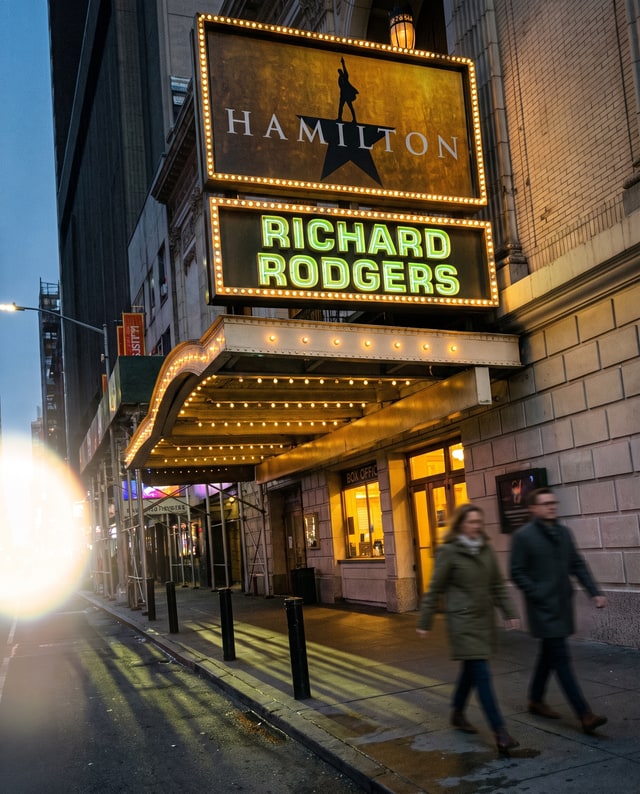
Neon, rain, reflections, almost no daylight.


Amber light, analog texture, lived-in calm.


Every image above was made by Muse, in three distinct styles.
Start with images that belong together. Muse gives you more to choose from.
Yes. Signing up needs no card, and Muse keeps making automatic images from the ones you add, at Low quality. Personal and Studio add on-demand creation and higher quality, and Studio adds more boards.
No prompts, ever. Add images that show the style you want. Muse uses their colors, lighting, and composition to make new images for you.
Add images you love. Muse begins working from what they share. New images usually arrive within minutes for you to keep or pass, and Muse keeps returning with new work over time.
No. Keeping an image saves it to your board; passing leaves it out. Muse uses only the images you add as references when it makes new ones.
Your references are never shown on a shared board. Your board stays private until you create a share link for the images you kept.
Yes. The images Muse makes for you live in your img.pro account and are yours to use. New boards start outside Muse’s promotion. If you choose to let Muse feature a board, it may select generated images you keep there, never your references. Turning that off stops future selection, but does not automatically retract promotion already staged or published.
Muse creates new scenes in your board's visual world. Set People to Similar to favor recognizable main people from a reference, Different for new appearances, or Avoid for scenes without people. Resemblance is a preference, not a guarantee of an exact person or product.
Yes. Add images from your collection, a moodboard, or a photoshoot as references. Muse makes new images in their style, and you choose which ones belong.
There’s more to your style
Bring your collection. Get fresh takes in your style.
Continue with img.proPlans from $10 a month.